msx-knowledge-base
Showcases
SoundCloud® MSX
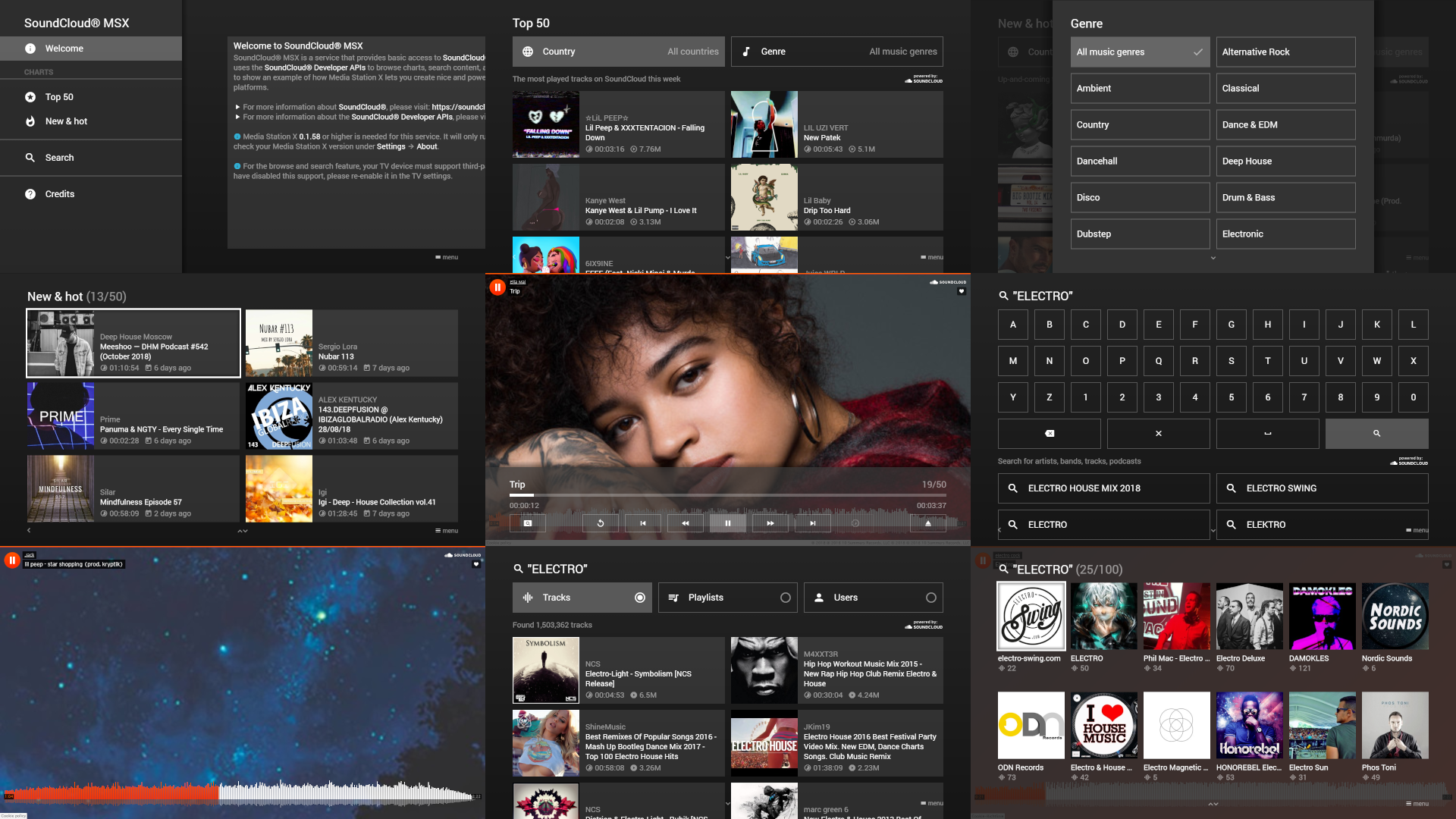
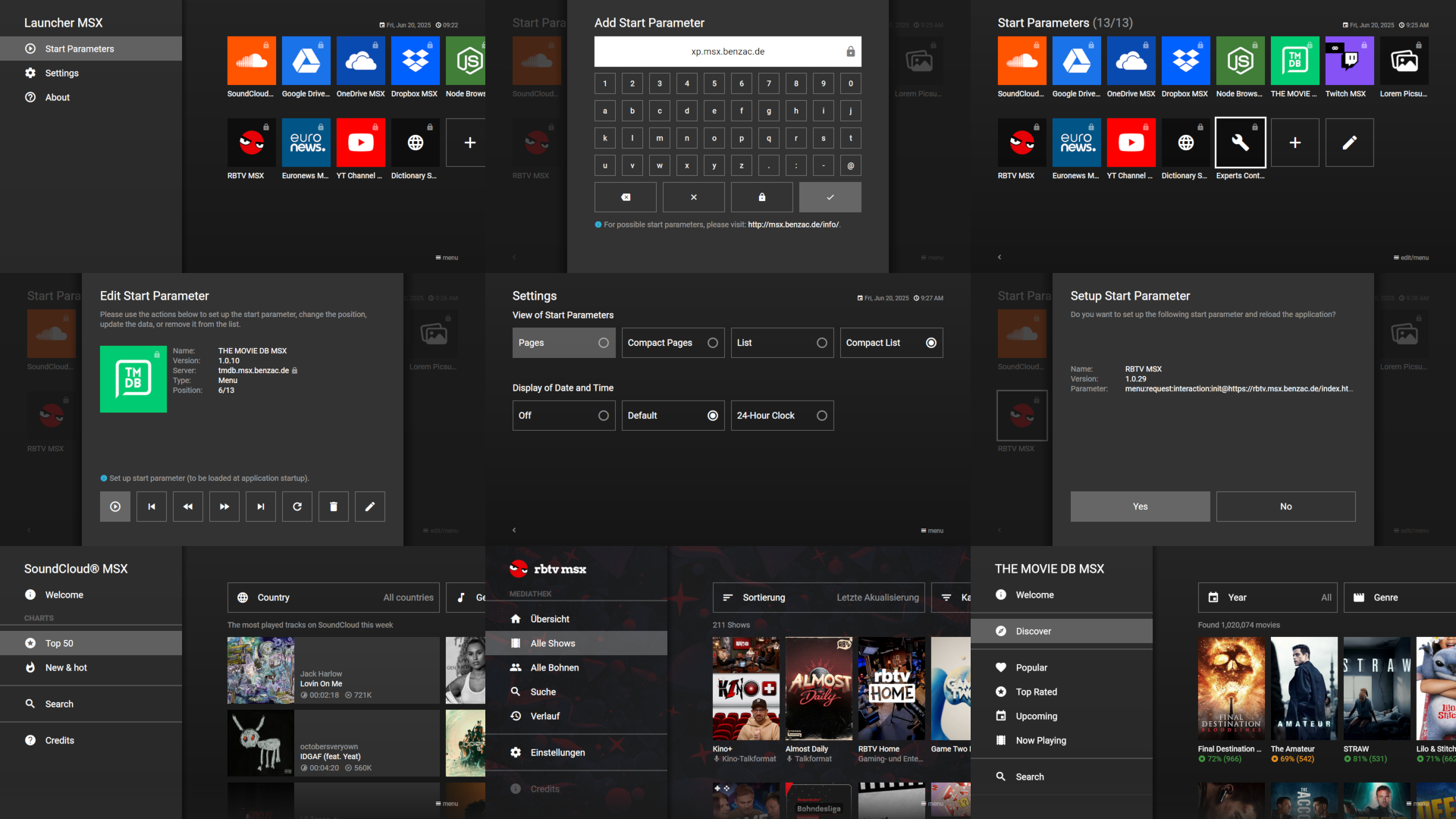
SoundCloud® MSX is a service that provides basic access to SoundCloud® tracks via the Media Station X application. It uses the SoundCloud® Developer APIs to browse charts, search content, and play tracks. It has been primarily developed to show an example of how Media Station X lets you create nice and powerful TV UIs from existing media hosting platforms.
- For more information about SoundCloud®, please visit: https://soundcloud.com.
- For more information about the SoundCloud® Developer APIs, please visit: https://developers.soundcloud.com.
For this service, Media Station X 0.1.97 or higher is needed. Enter the start parameter sc.msx.benzac.de to set it up.
Google Drive MSX
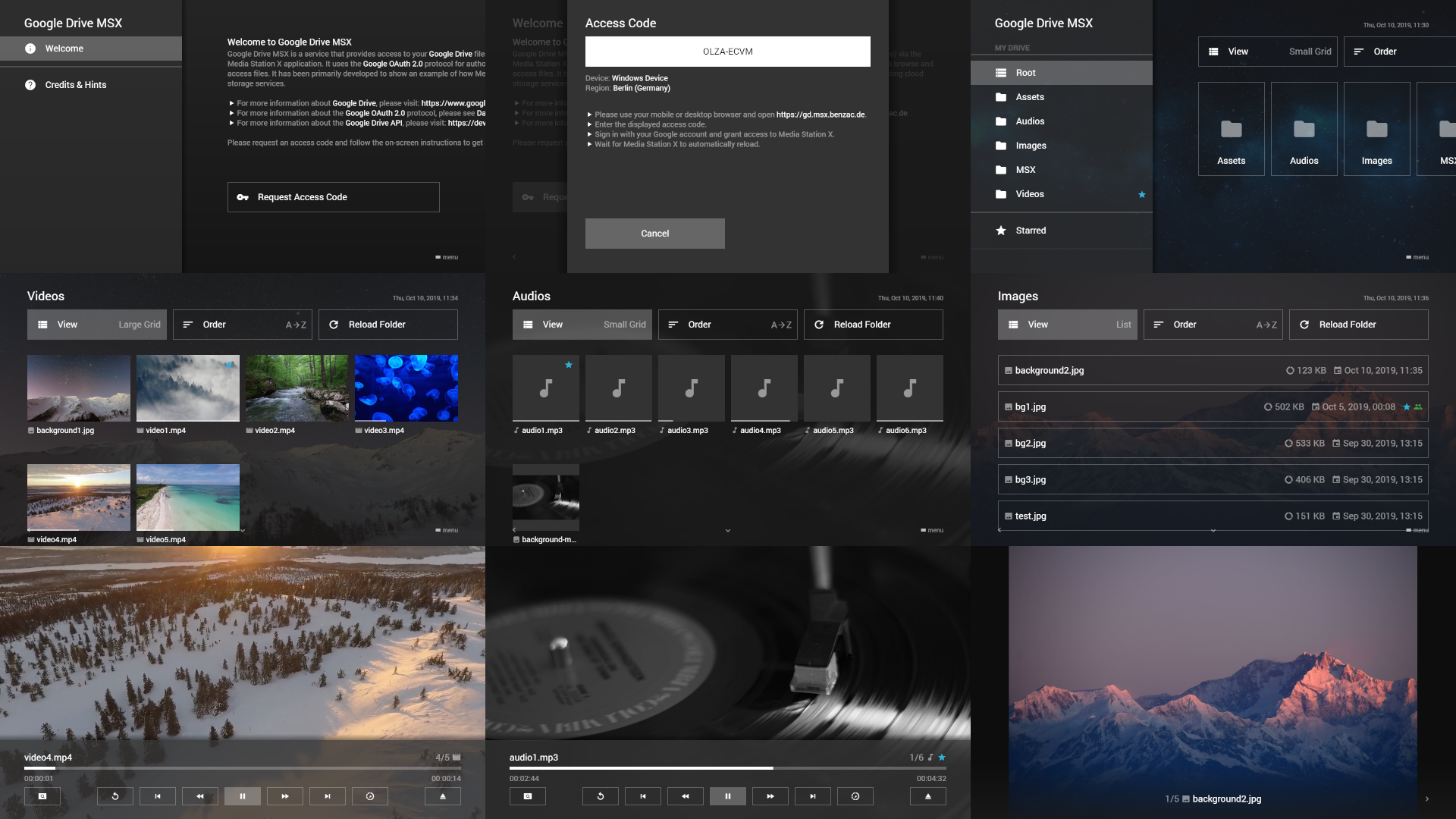
Google Drive MSX is a service that provides access to your Google Drive files (i.e. videos, audios, and images) via the Media Station X application. It uses the Google OAuth 2.0 protocol for authorization and the Google Drive API to browse and access files. It has been primarily developed to show an example of how Media Station X can be used with existing cloud storage services.
- For more information about Google Drive, please visit: https://www.google.com/drive/.
- For more information about the Google OAuth 2.0 protocol, please see Data Privacy on: https://gd.msx.benzac.de?tab=DataPrivacy.
- For more information about the Google Drive API, please visit: https://developers.google.com/drive/.
For this service, Media Station X 0.1.130 or higher is needed. Enter the start parameter gd.msx.benzac.de to set it up.
OneDrive MSX
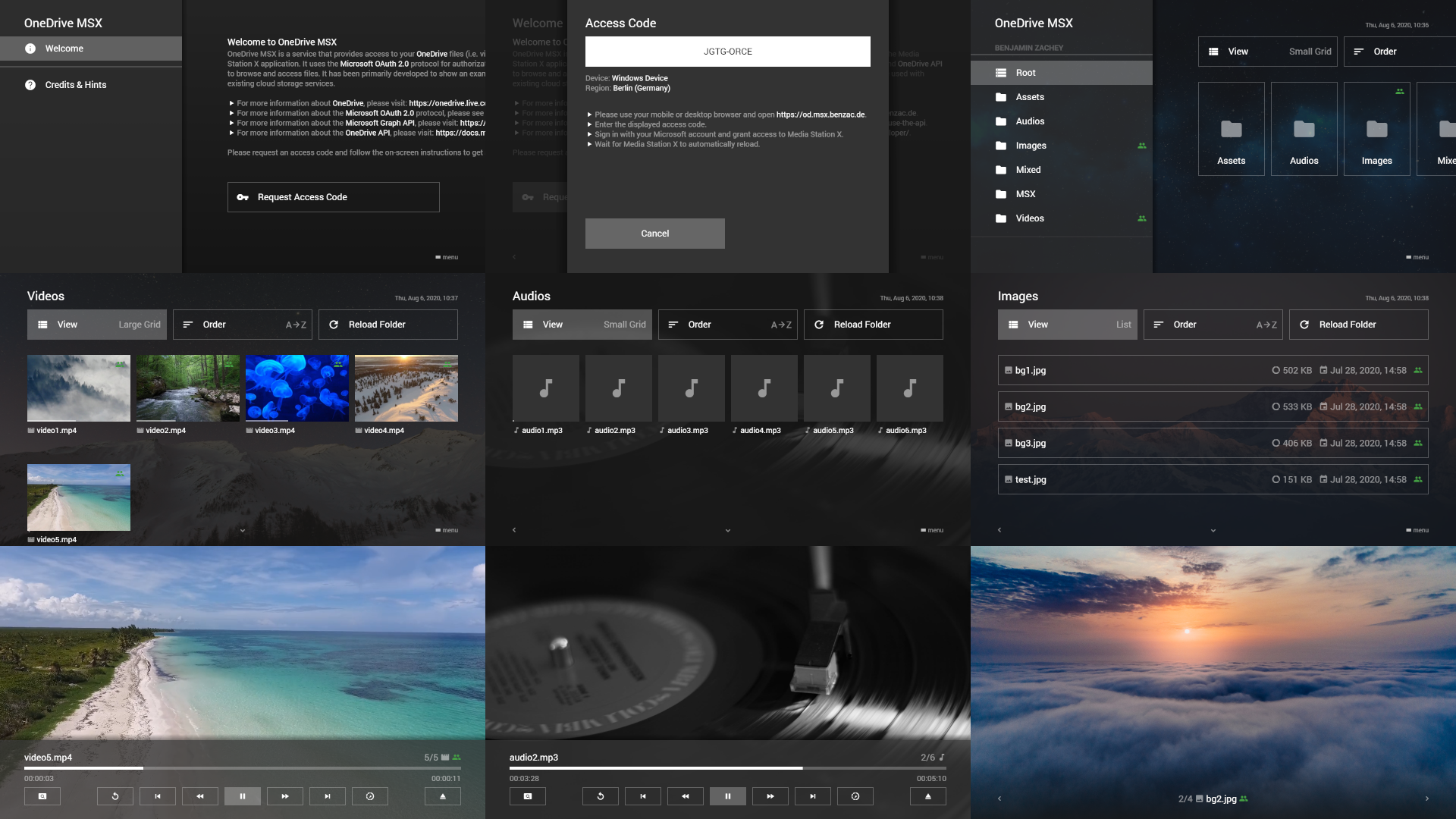
OneDrive MSX is a service that provides access to your OneDrive files (i.e. videos, audios, and images) via the Media Station X application. It uses the Microsoft OAuth 2.0 protocol for authorization and the Microsoft Graph API and OneDrive API to browse and access files. It has been primarily developed to show an example of how Media Station X can be used with existing cloud storage services.
- For more information about OneDrive, please visit: https://onedrive.live.com.
- For more information about the Microsoft OAuth 2.0 protocol, please see Data Privacy on: https://od.msx.benzac.de?tab=DataPrivacy.
- For more information about the Microsoft Graph API, please visit: https://docs.microsoft.com/en-us/graph/.
- For more information about the OneDrive API, please visit: https://docs.microsoft.com/en-us/onedrive/developer/.
For this service, Media Station X 0.1.130 or higher is needed. Enter the start parameter od.msx.benzac.de to set it up.
Dropbox MSX
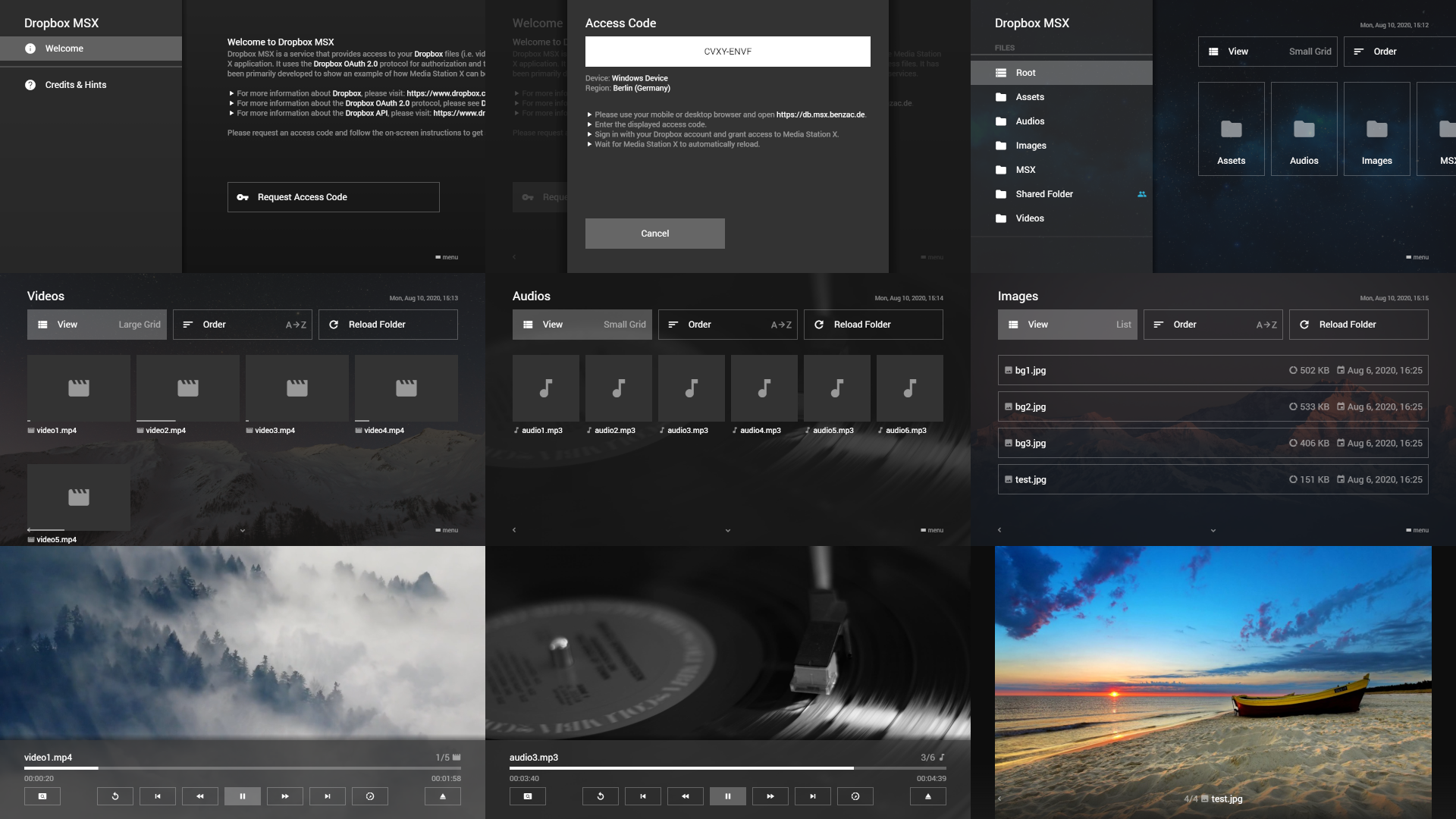
Dropbox MSX is a service that provides access to your Dropbox files (i.e. videos, audios, and images) via the Media Station X application. It uses the Dropbox OAuth 2.0 protocol for authorization and the Dropbox API to browse and access files. It has been primarily developed to show an example of how Media Station X can be used with existing cloud storage services.
- For more information about Dropbox, please visit: https://www.dropbox.com.
- For more information about the Dropbox OAuth 2.0 protocol, please see Data Privacy on: https://db.msx.benzac.de?tab=DataPrivacy.
- For more information about the Dropbox API, please visit: https://www.dropbox.com/developers/.
For this service, Media Station X 0.1.130 or higher is needed. Enter the start parameter db.msx.benzac.de to set it up.
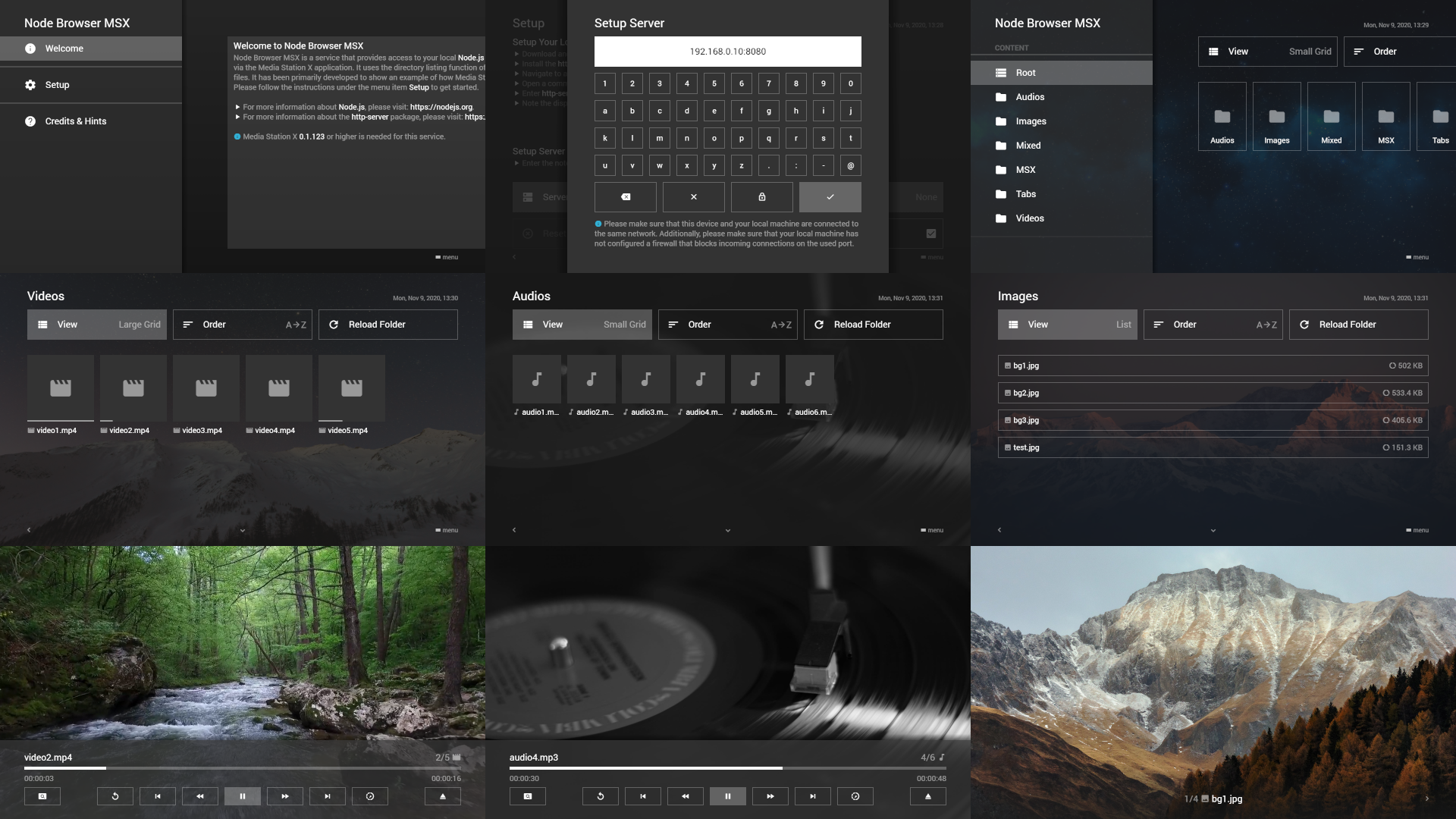
Node Browser MSX
Node Browser MSX is a service that provides access to your local Node.js server files (i.e. videos, audios, and images) via the Media Station X application. It uses the directory listing function of the http-server package to browse and access files. It has been primarily developed to show an example of how Media Station X can be used with simple HTTP servers.
- For more information about Node.js, please visit: https://nodejs.org.
- For more information about the http-server package, please visit: https://www.npmjs.com/package/http-server.
For this service, Media Station X 0.1.130 or higher is needed. Enter the start parameter nb.msx.benzac.de to set it up.
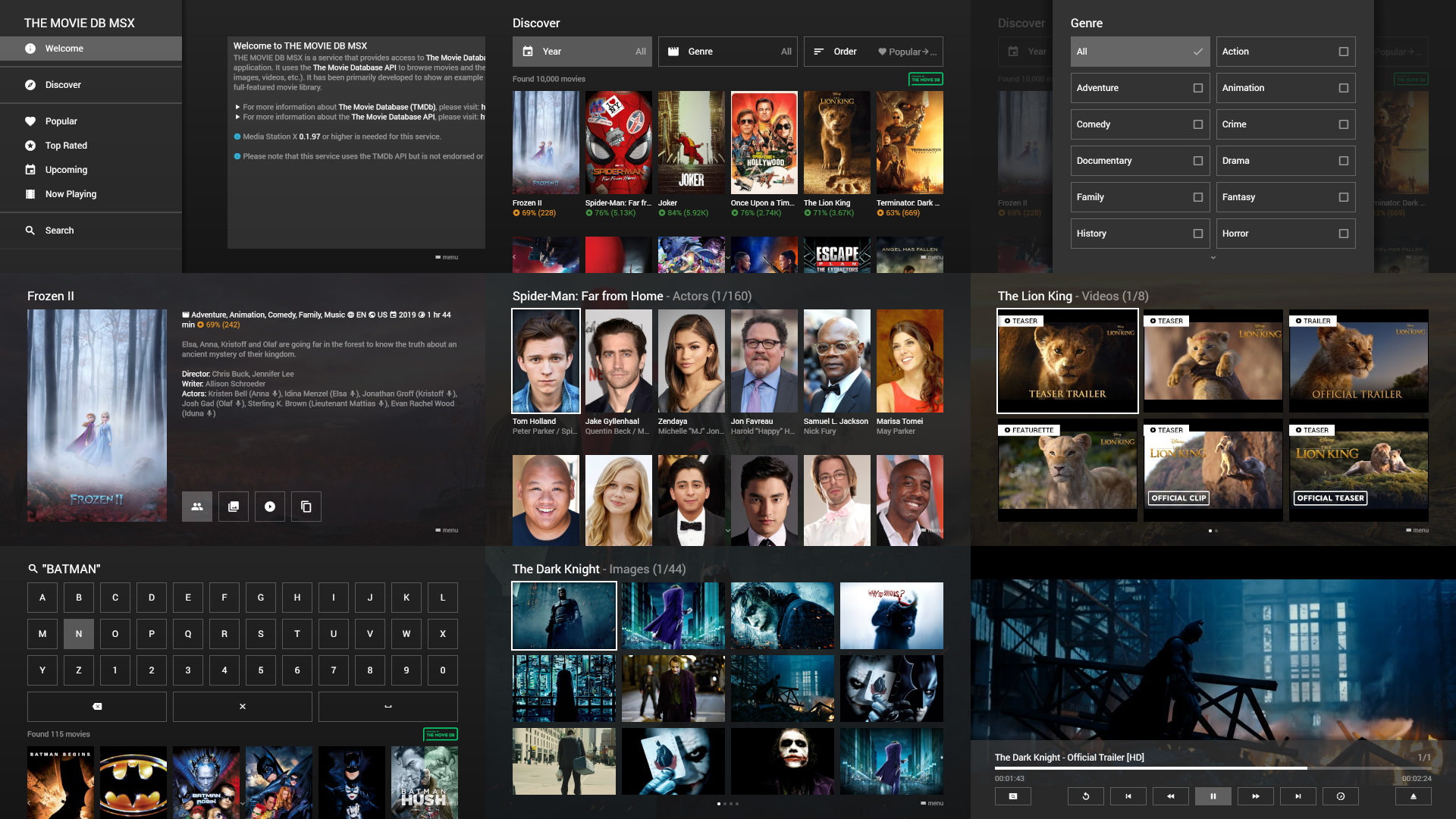
THE MOVIE DB MSX
THE MOVIE DB MSX is a service that provides access to The Movie Database (TMDb) content via the Media Station X application. It uses the The Movie Database API to browse movies and their related information (e.g. description, actors, images, videos, etc.). It has been primarily developed to show an example of how Media Station X can be used to create a full-featured movie library.
- For more information about The Movie Database (TMDb), please visit: https://www.themoviedb.org.
- For more information about the The Movie Database API, please visit: https://www.themoviedb.org/documentation/api.
For this service, Media Station X 0.1.97 or higher is needed. Enter the start parameter tmdb.msx.benzac.de to set it up.
Please note that this service uses the TMDb API but is not endorsed or certified by TMDb.
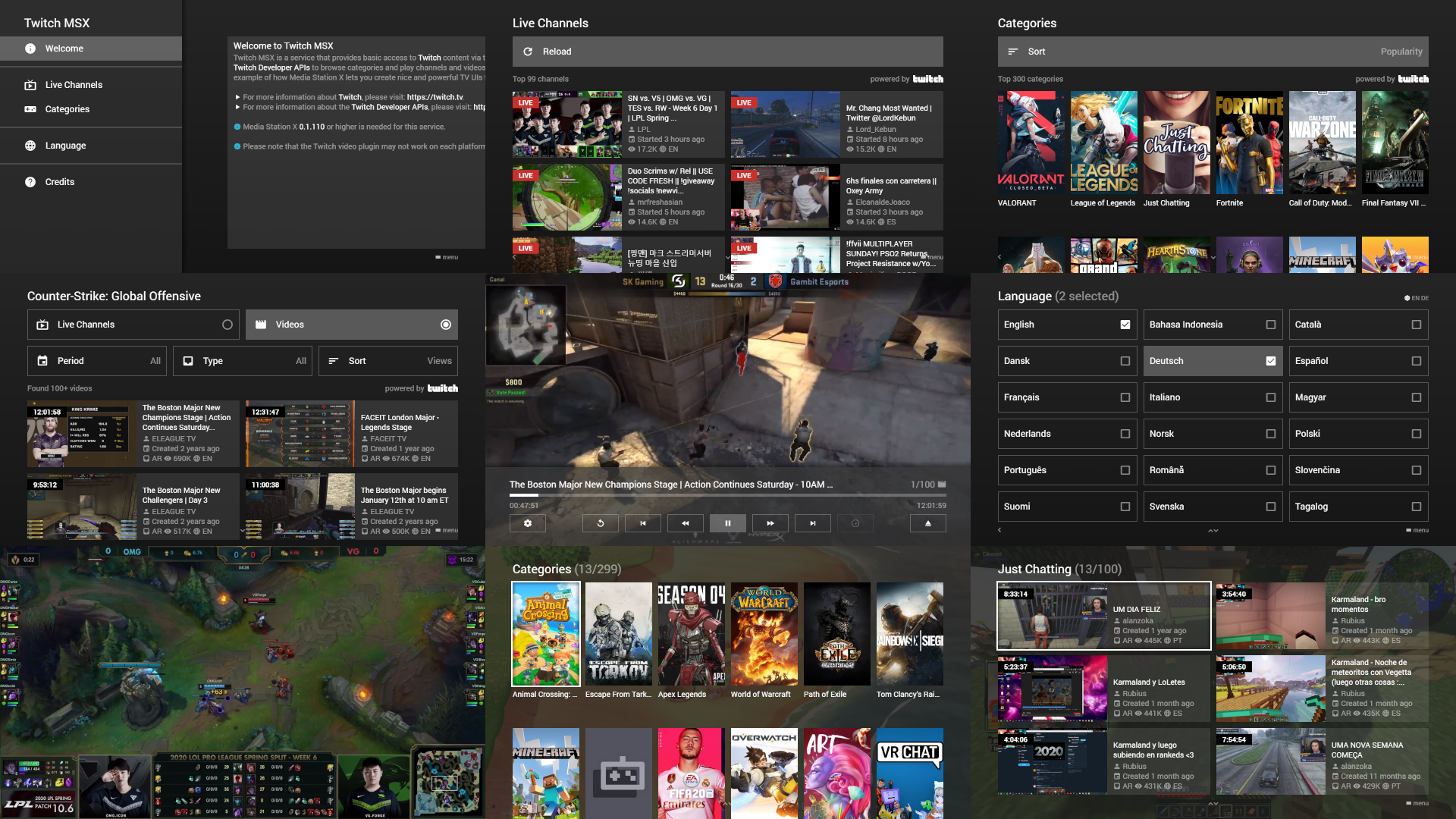
Twitch MSX
Twitch MSX is a service that provides basic access to Twitch content via the Media Station X application. It uses the Twitch Developer APIs to browse categories and play channels and videos. It has been primarily developed to show an example of how Media Station X lets you create nice and powerful TV UIs from existing media hosting platforms.
- For more information about Twitch, please visit: https://twitch.tv.
- For more information about the Twitch Developer APIs, please visit: https://dev.twitch.tv/docs/api/.
For this service, Media Station X 0.1.110 or higher is needed. Enter the start parameter ttv.msx.benzac.de to set it up.
Note: Please note that this service can currently only be used via the web version of Media Station X, which must be loaded via HTTPS (i.e. https://msx.benzac.de).
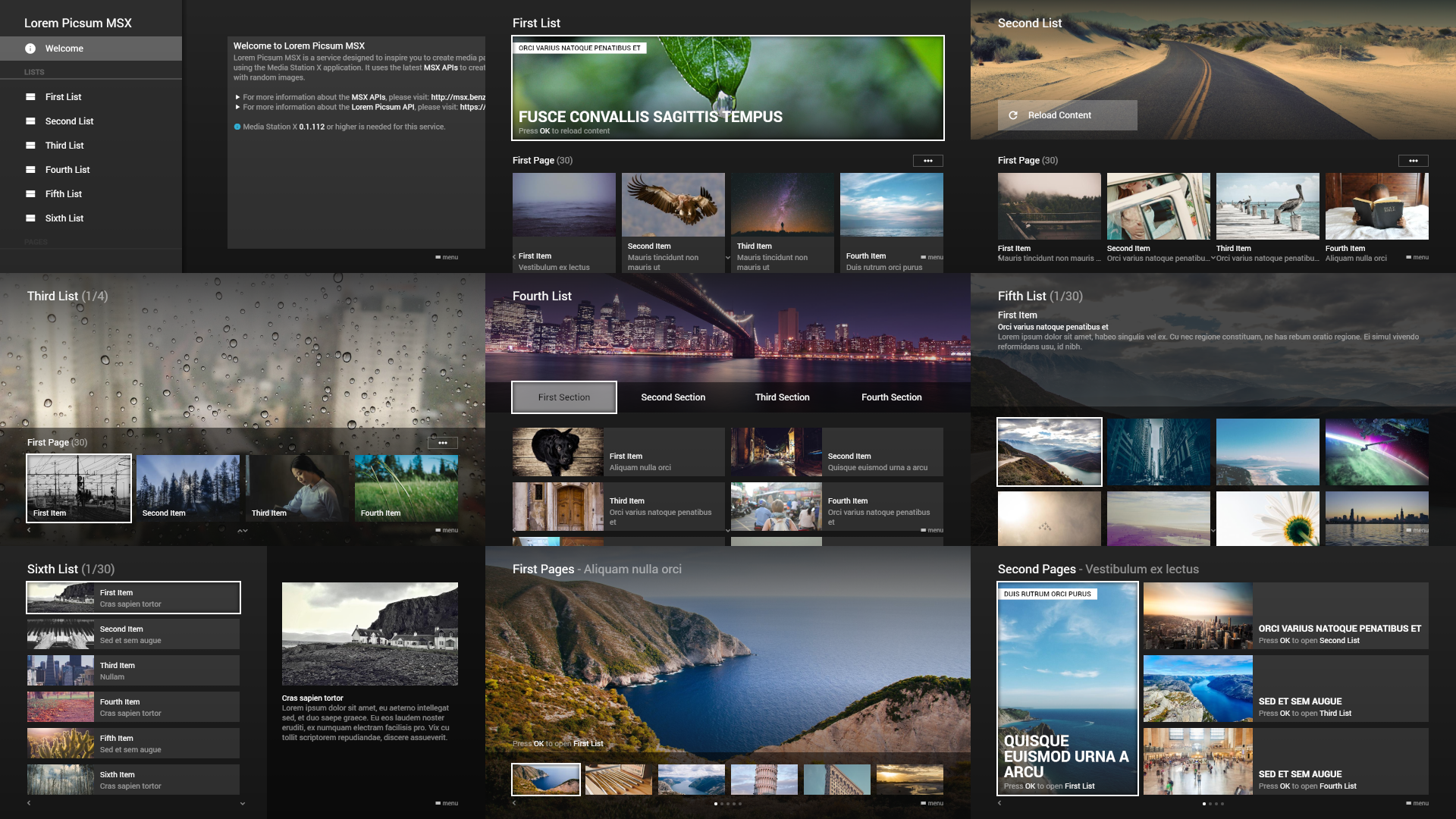
Lorem Picsum MSX
Lorem Picsum MSX is a service designed to inspire you to create media pages in different styles and for different purposes using the Media Station X application. It uses the latest MSX APIs to create the content and the Lorem Picsum API to fill it with random images.
- For more information about the MSX APIs, please see the API section in the navigation menu.
- For more information about the Lorem Picsum API, please visit: https://picsum.photos.
For this service, Media Station X 0.1.112 or higher is needed. Enter the start parameter lp.msx.benzac.de to set it up.
RBTV MSX
RBTV MSX is a service that provides access to the media library of Rocket Beans TV (RBTV) via the Media Station X application. It uses the Rocket Beans TV API to browse and play RBTV content.
- For more information about Rocket Beans TV, please visit: https://rocketbeans.tv.
- For more information about the Rocket Beans TV API, please visit: https://github.com/rocketbeans/rbtv-apidoc/.
- For checking out the source code of this service, please visit: https://github.com/benzac-de/rbtv-msx/.
For this service, Media Station X 0.1.150 or higher is needed. Enter the start parameter rbtv.msx.benzac.de to set it up.
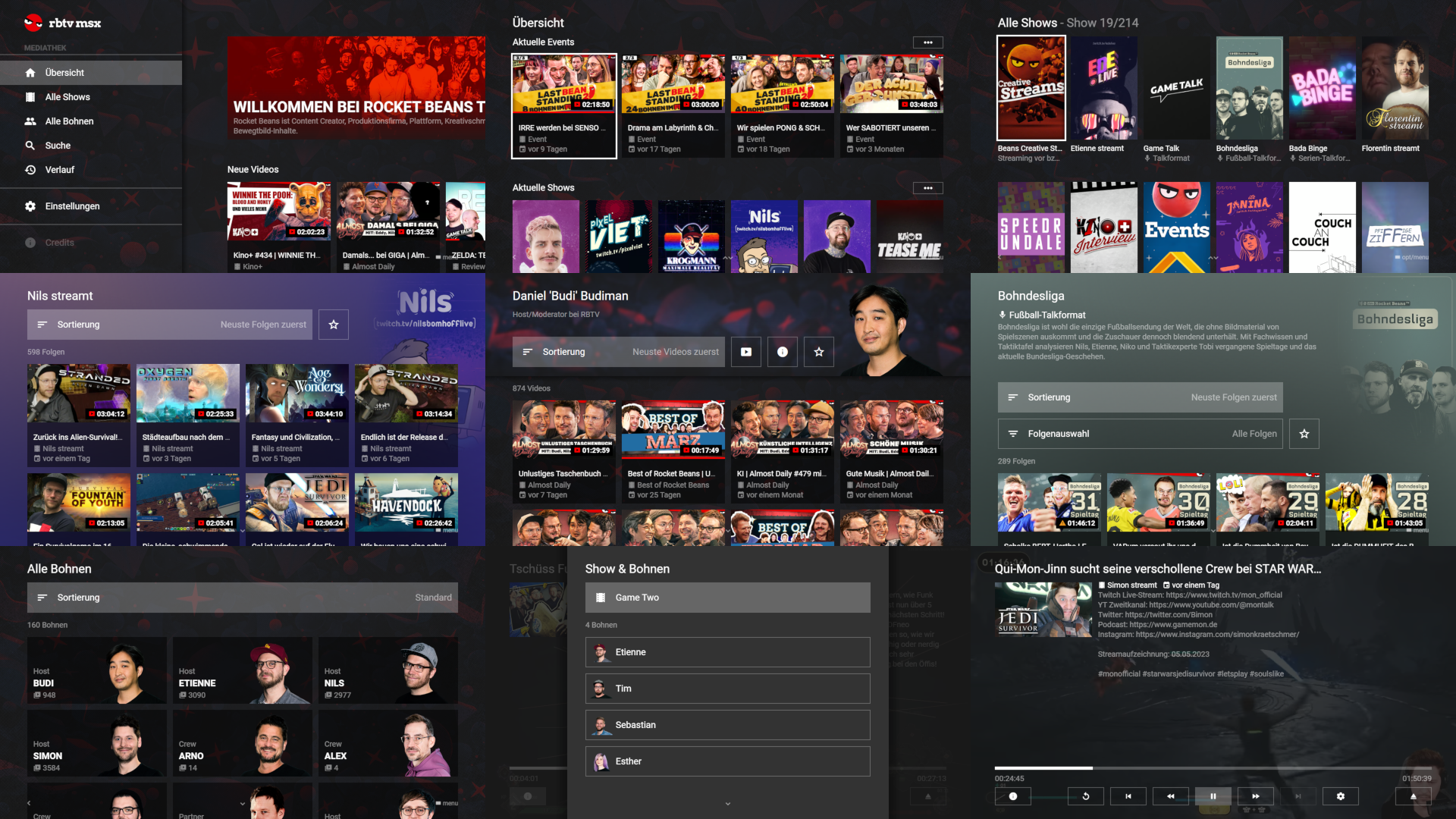
Euronews MSX
Euronews MSX is a service that provides access to Euronews MRSS feeds via the Media Station X application. It has been primarily developed to show an example of how Media Station X lets you create nice and powerful TV UIs from existing MRSS feeds.
- For more information about Euronews, please visit: https://www.euronews.com.
For this service, Media Station X 0.1.146 or higher is needed. Enter the start parameter en.msx.benzac.de to set it up.
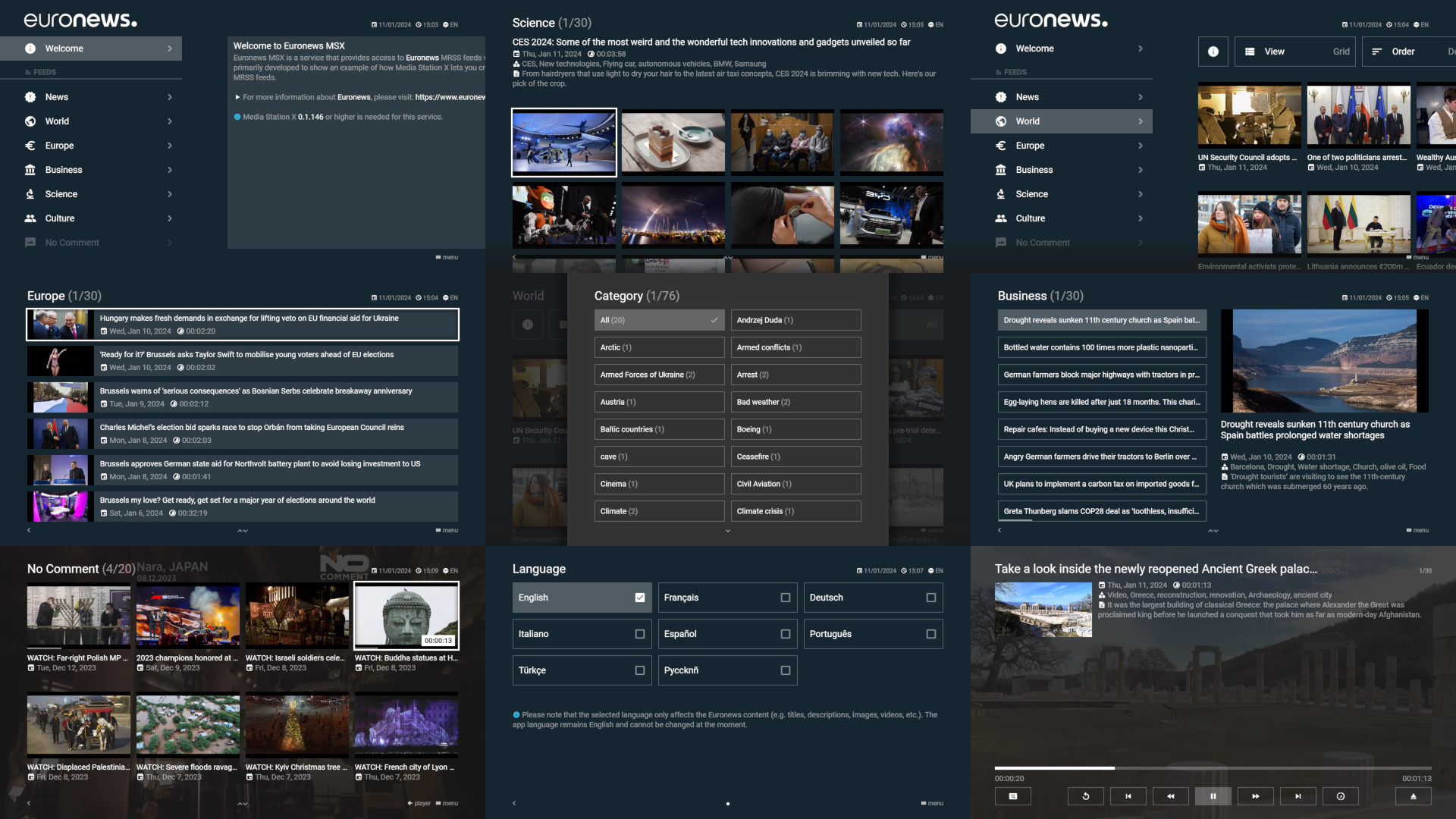
YT Channel Feeds MSX
YT Channel Feeds MSX is a service that provides access to selected YouTube channel feeds from various categories via the Media Station X application. It has been primarily developed to show an example of how Media Station X lets you create nice and powerful TV UIs from existing YouTube channel feeds.
- For more information about YouTube, please visit: https://www.youtube.com.
- For creating your own Media Station X launcher with your favorite YouTube channels, please visit: https://yt.msx.benzac.de.
For this service, Media Station X 0.1.146 or higher is needed. Enter the start parameter yt.msx.benzac.de to set it up.
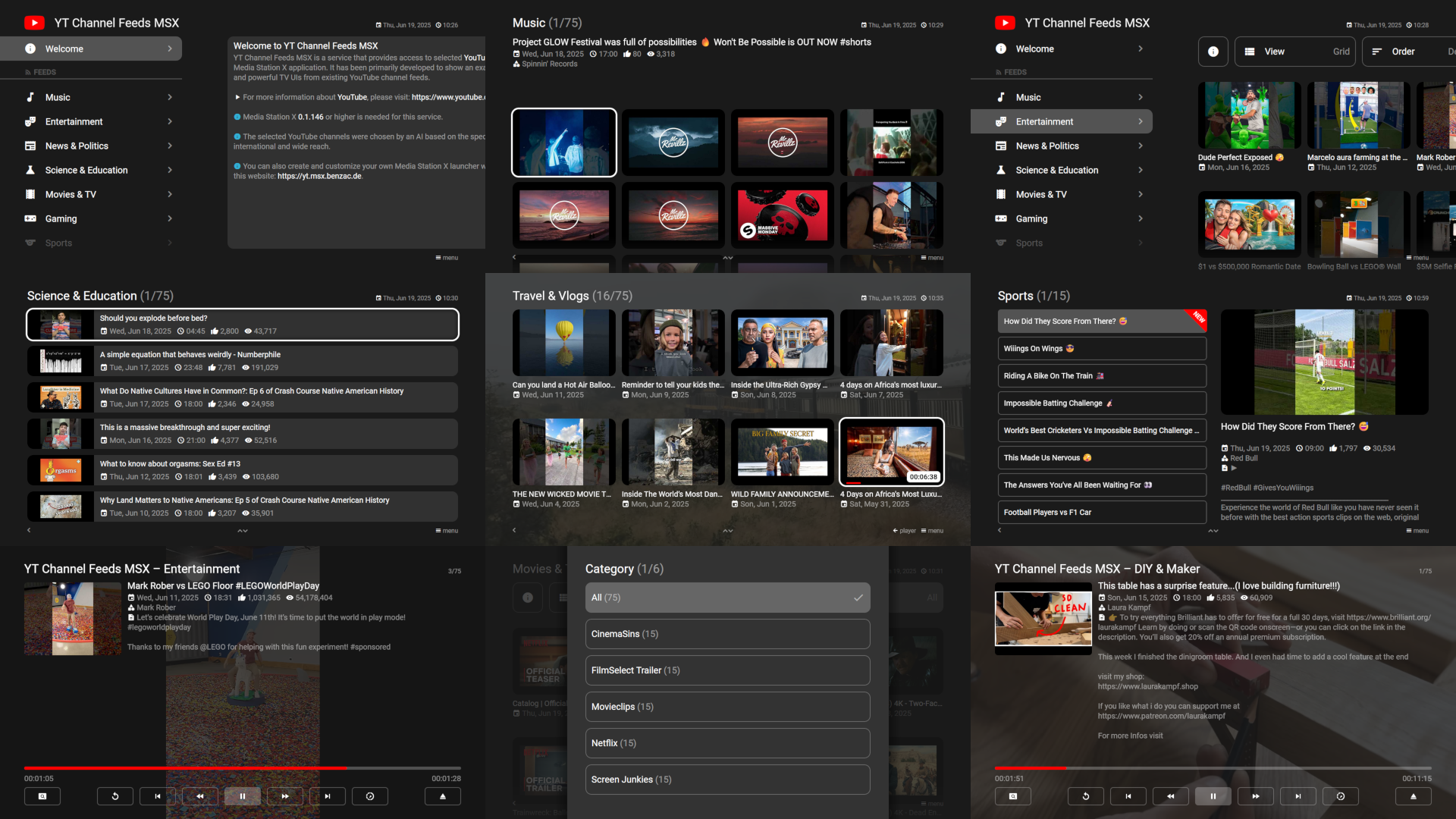
Launcher MSX
Launcher MSX is a service that helps you to manage various start parameters. Once the launcher has been set up, it is available via the settings (Settings → Welcome Pages). The start parameters are stored on the launcher.msx.benzac.de server for each specific device by using a unique device ID. Initially, the MSX Showcases (shown on this page) are added. If you reset the start parameters, they will be permanently deleted from the server until you change/add any again.
- For more information about the data privacy, please see Data Privacy.
For this service, Media Station X 0.1.132 or higher is needed. Enter the start parameter id:x or msx.benzac.de or launcher.msx.benzac.de to set it up.
See Also
- Common Misconceptions → Licensing, authorship & open source — these Showcases are not generally open source; only RBTV MSX is