msx-knowledge-base
Media Station X - Home
Media Station X is designed to run on any TV device (e.g. smart TVs, set-top boxes, HDMI dongles, and HbbTV devices). However, it can also run on mobile and desktop devices, because it supports various input controls (e.g. remote controls, keyboards, mice, pointer and touch devices). The application itself does not contain any content and is a so-called White Label Application. You can either create your own content or open existing and shared content from other people. All content is written in JSON (JavaScript Object Notation) format with a simple and easy-to-use structure. The created JSON files can be hosted on any HTTP server that supports CORS (Cross-Origin Resource Sharing).
Use Cases
Enjoy videos, audios, and images on your TV, mobile, or desktop device in the same look & feel…
- …from your local or public HTTP server.
- …from your NAS (Network Attached Storage) server or device that supports web server functionality.
- …from your cloud storage service (Google Drive, OneDrive & Co.).
- …from any HTTP server that provides access to shared content.
Create your own…
- …video store with local or public videos.
- …music station with local or public audios.
- …slideshow with local or public images.
- …app store with links to existing HTML5 games or apps.
- …developer portal with links to your created HTML5 games or apps.
- …media blog with videos from different video hosting platforms (YouTube, Vimeo & Co.).
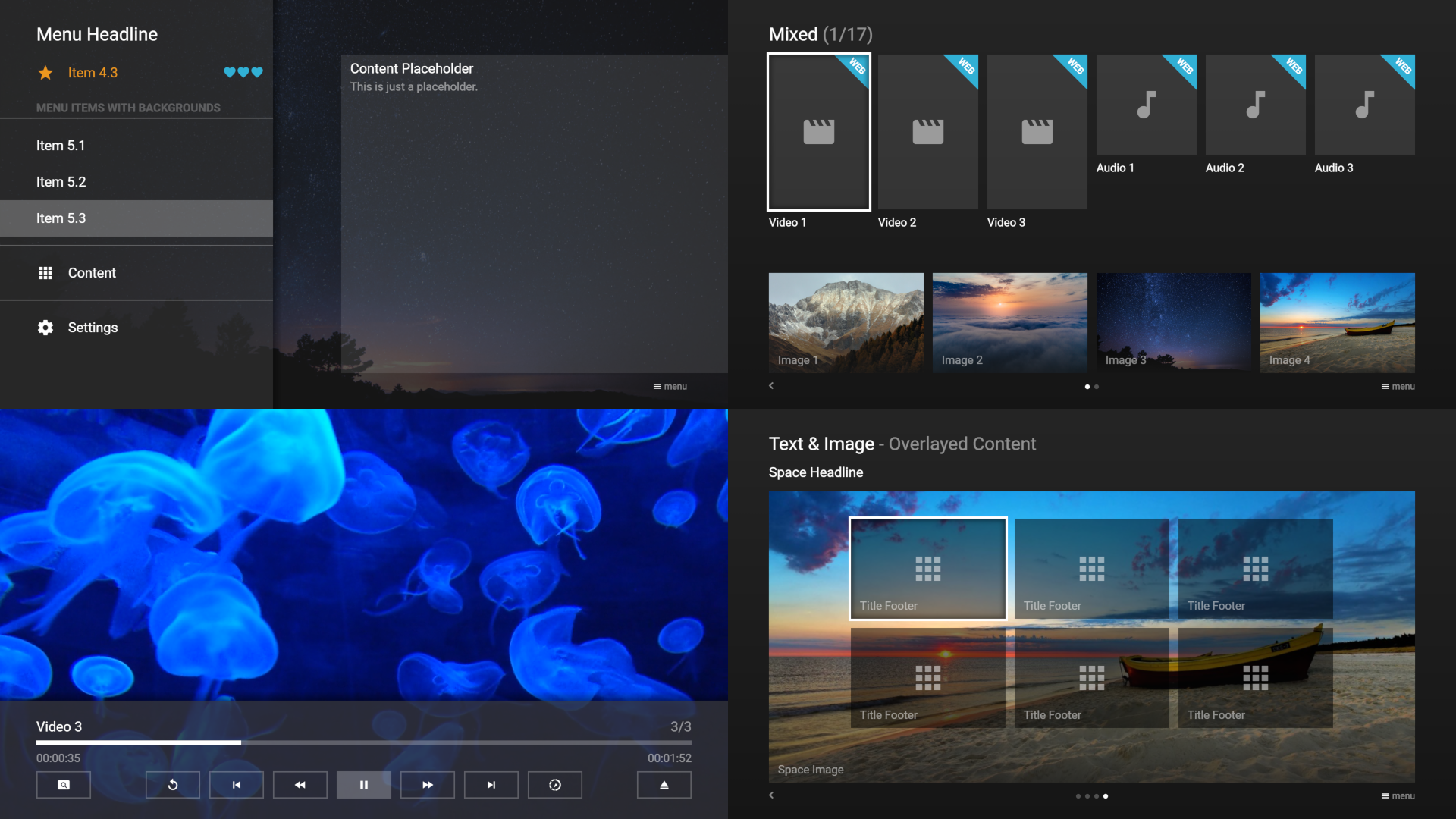
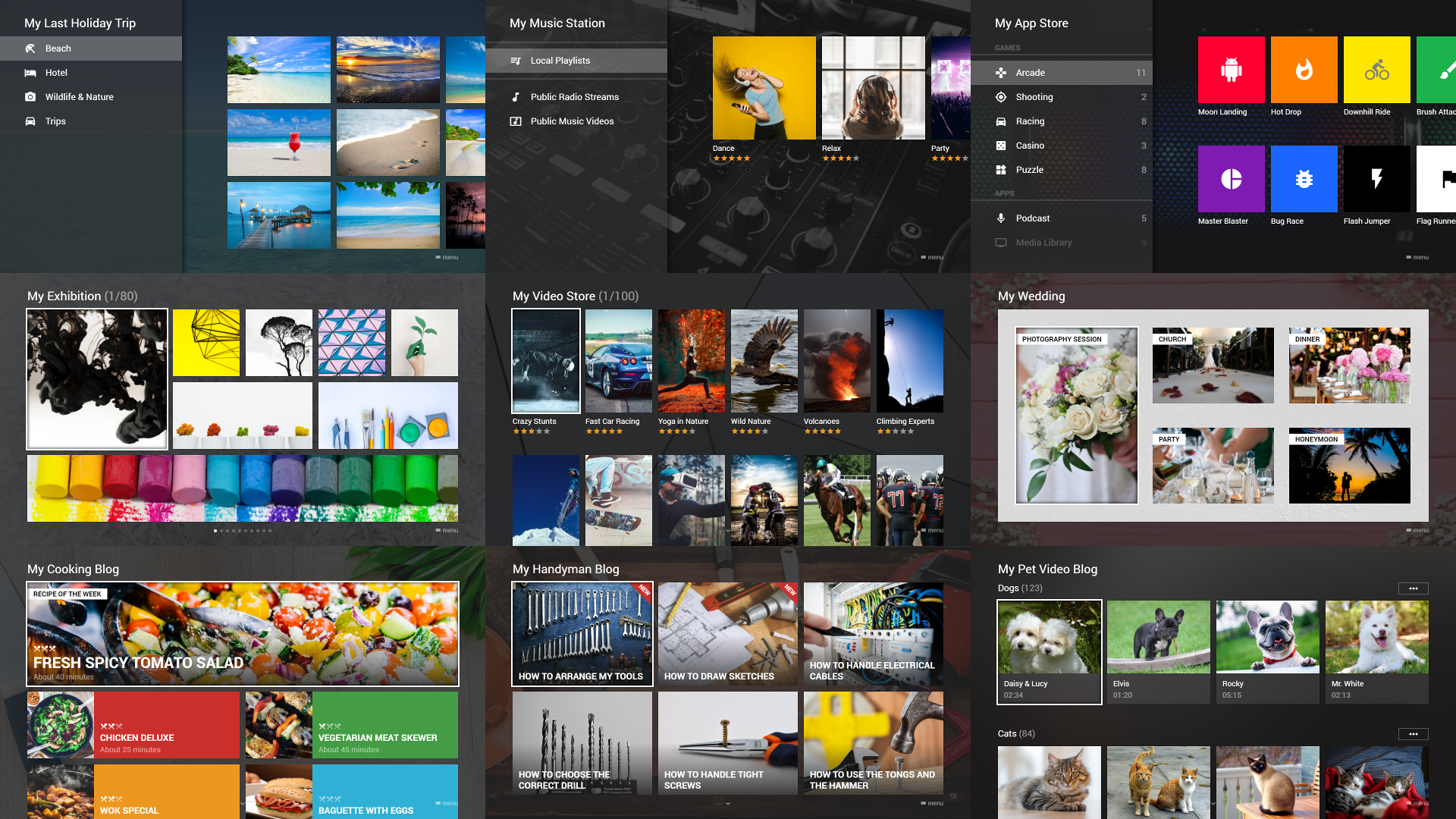
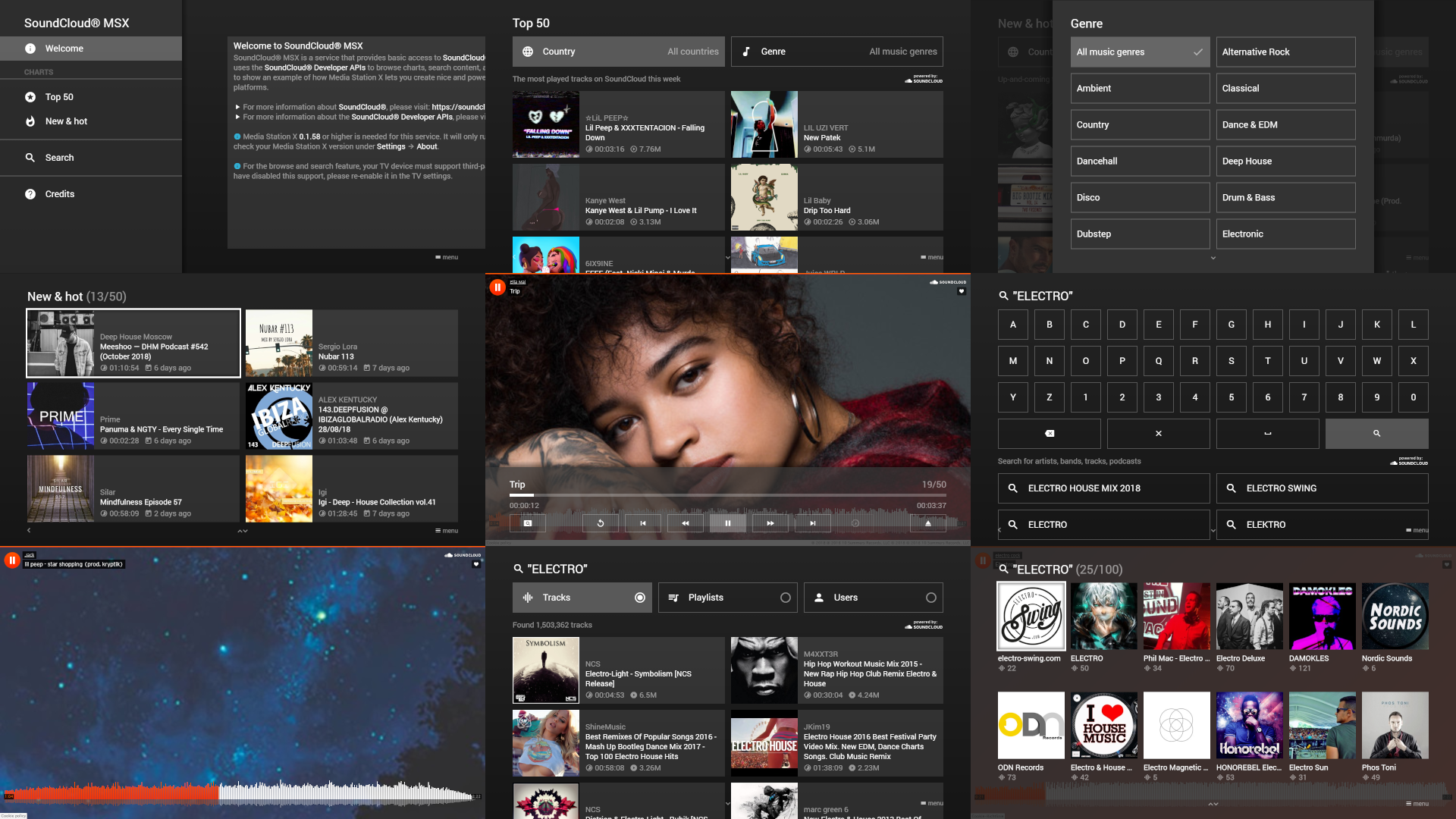
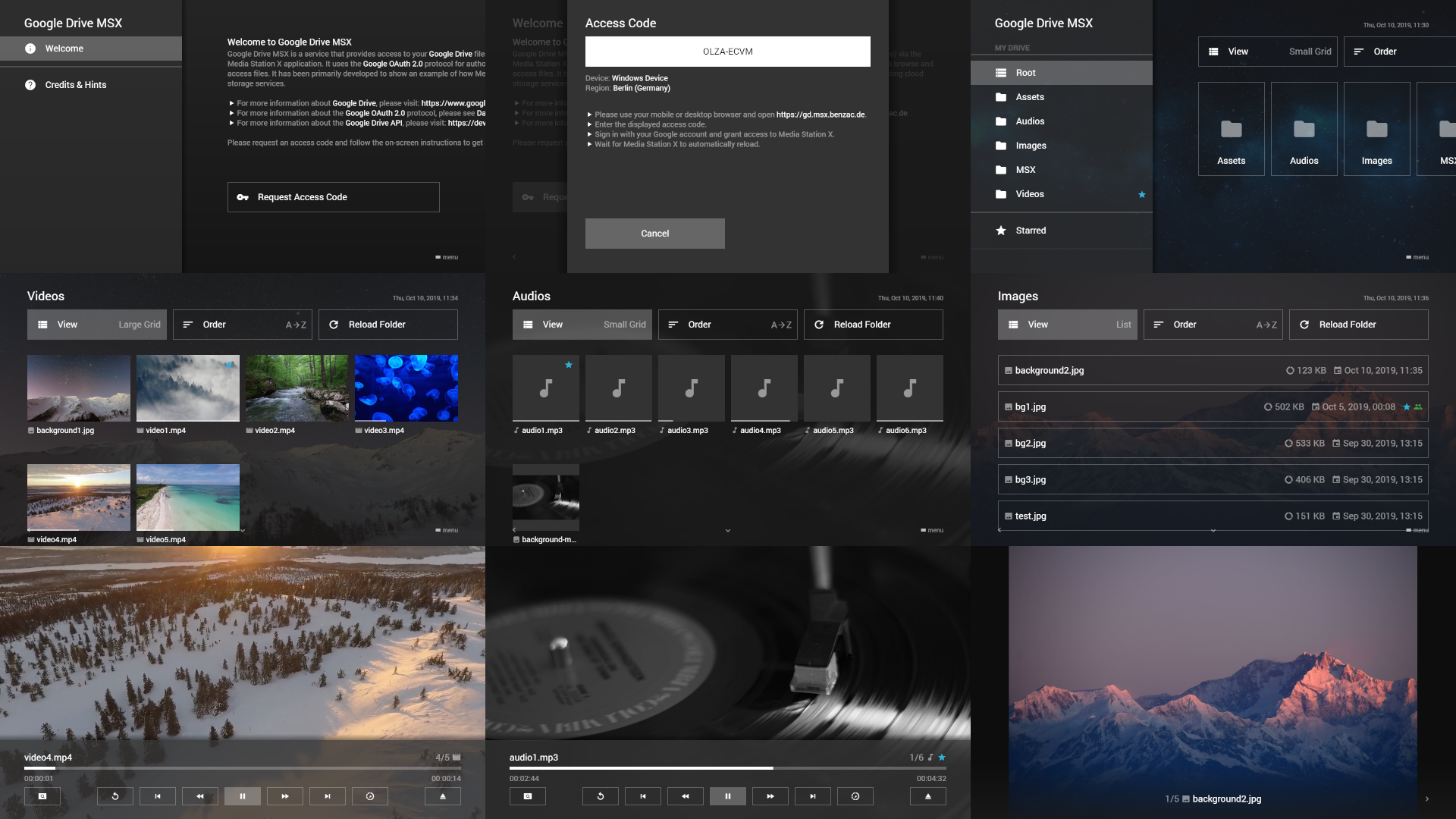
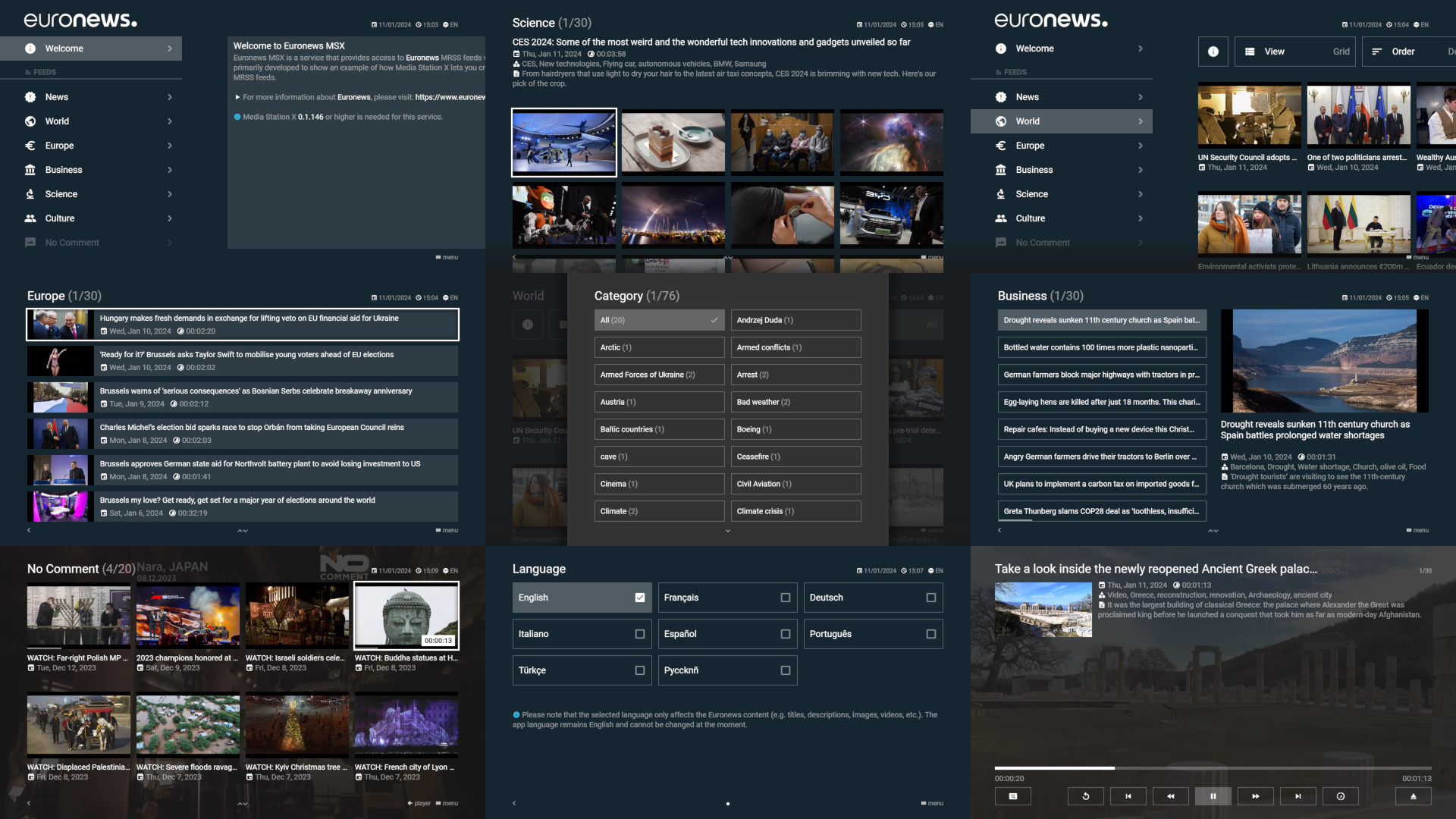
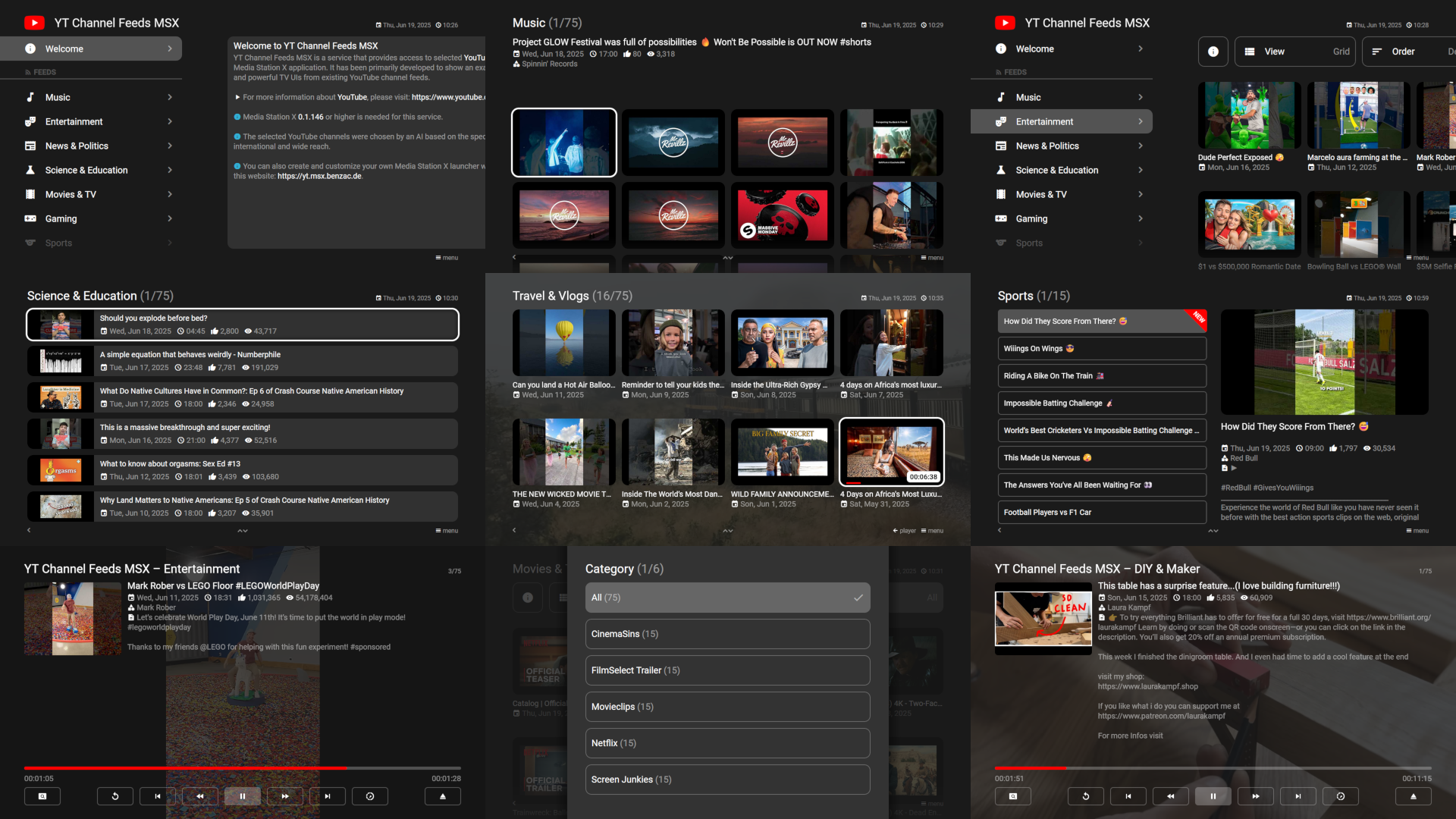
Screenshots
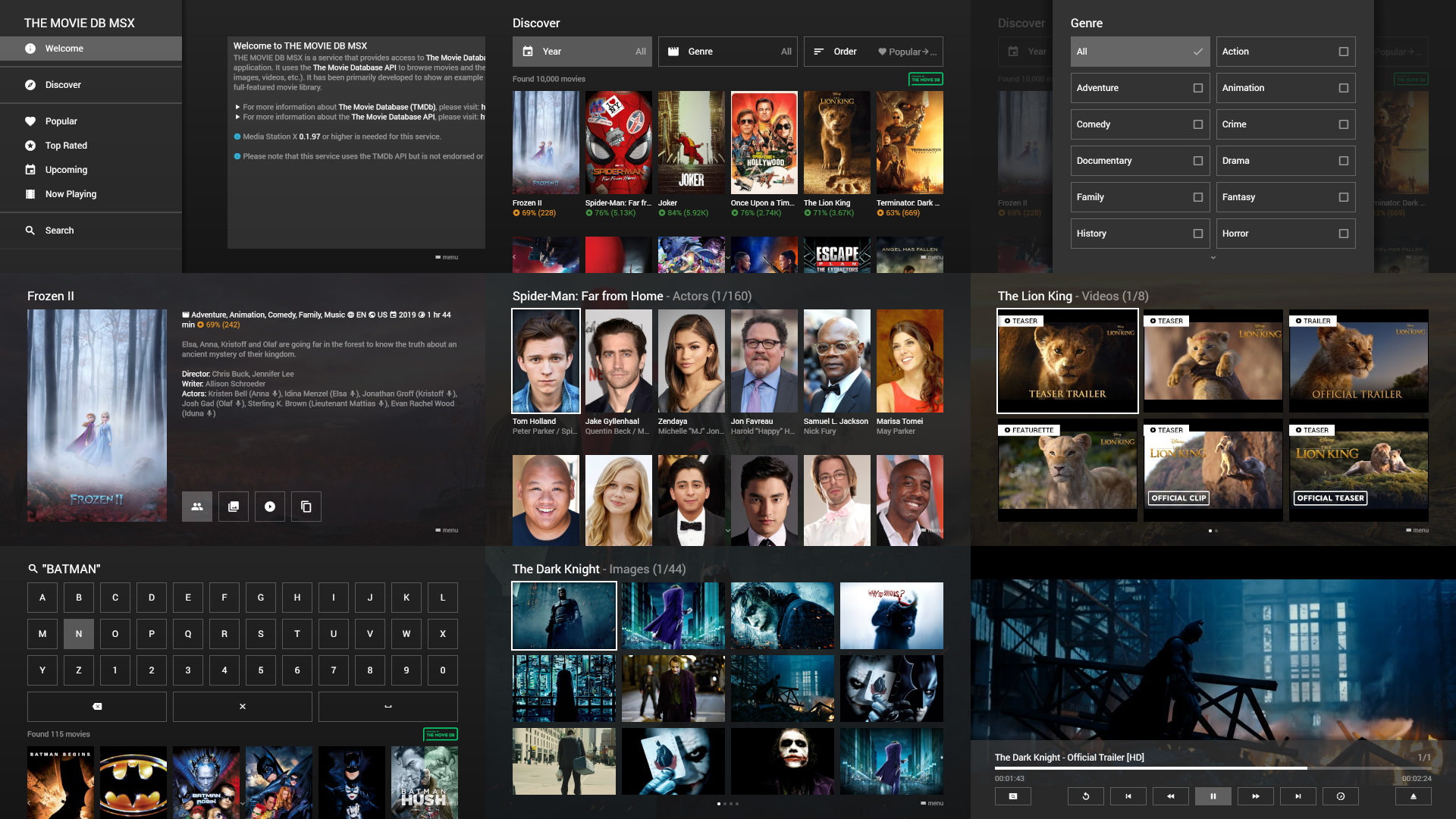
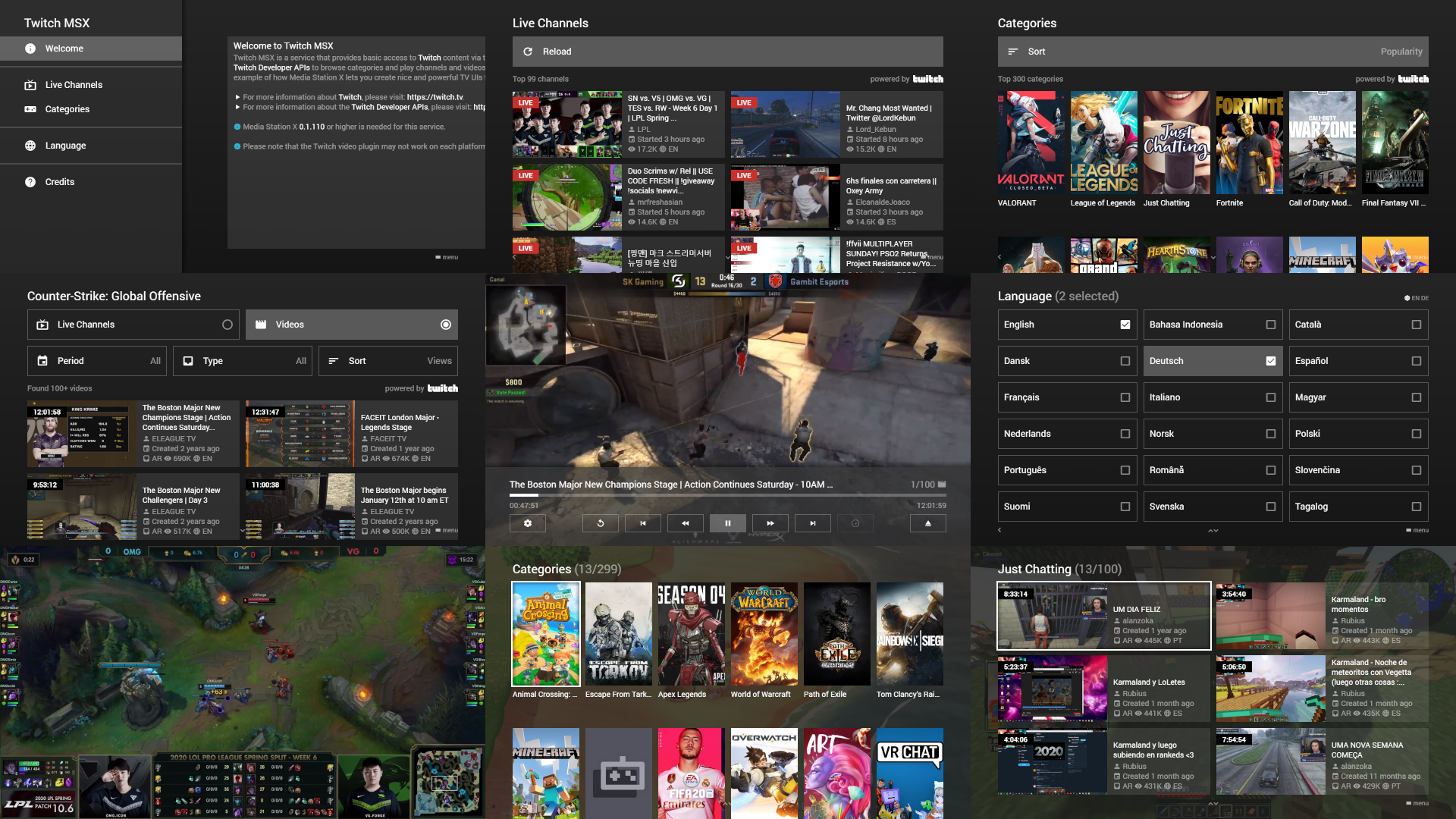
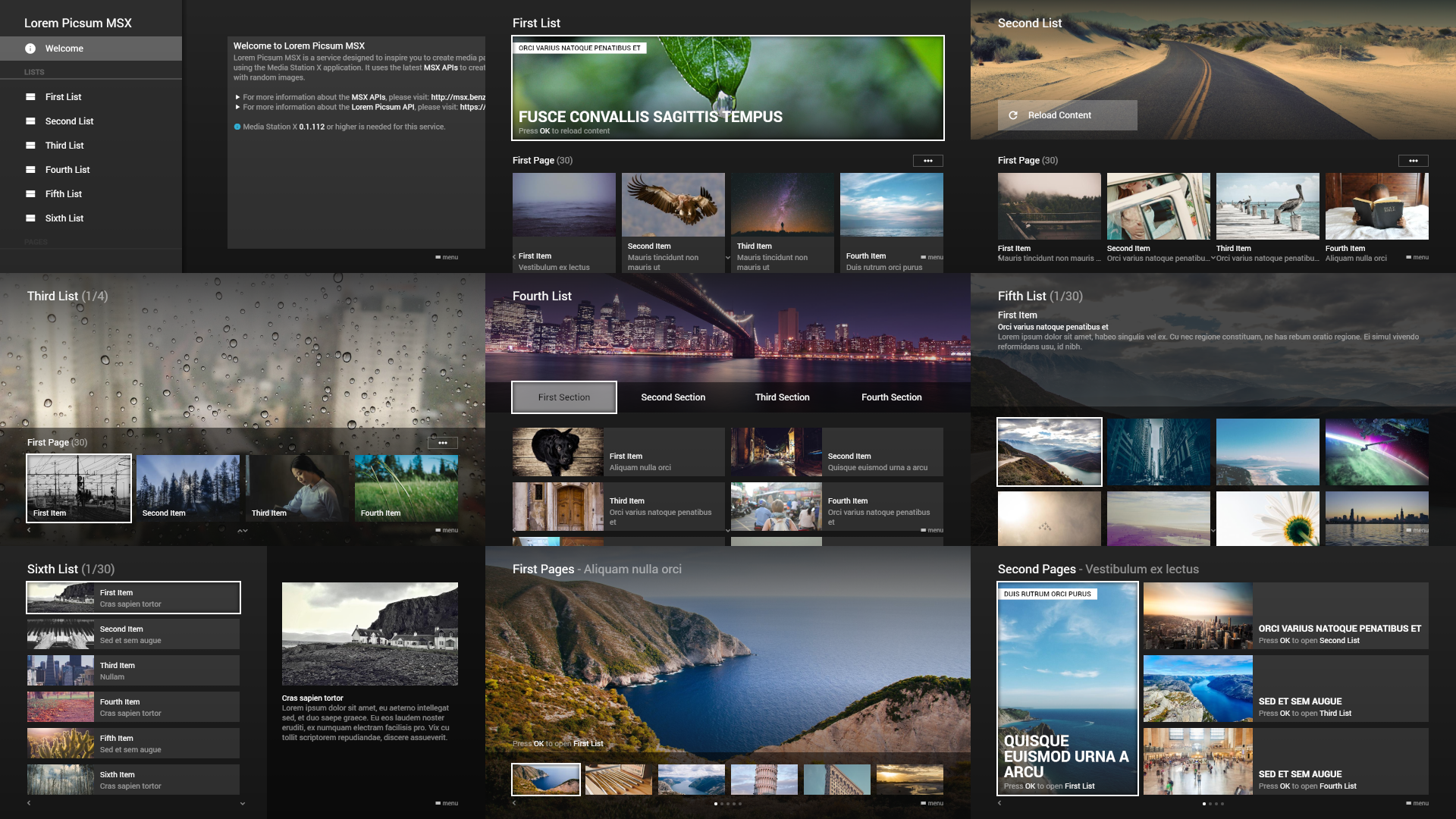
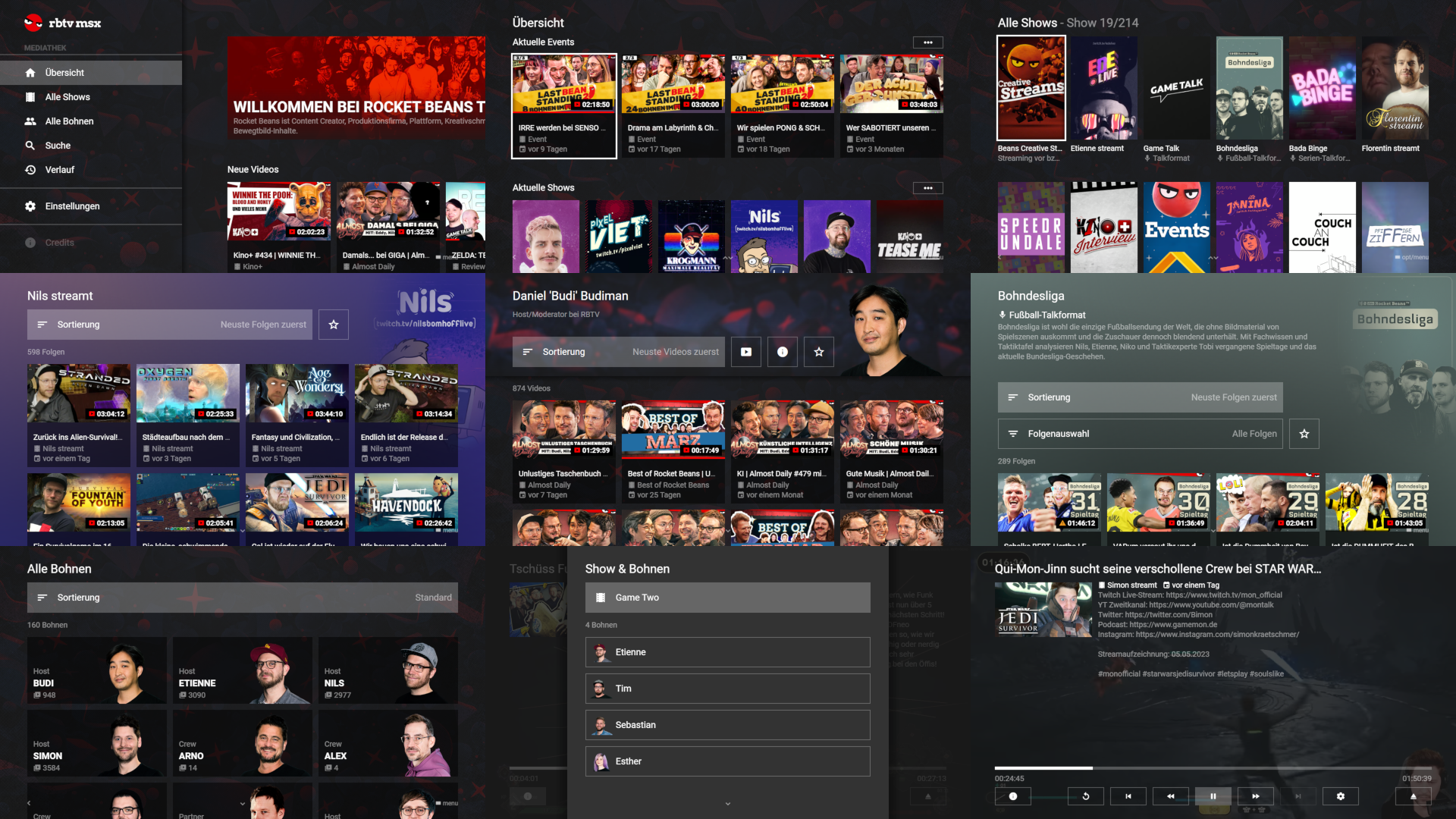
API
Wiki
The wiki pages contain all information about the various JSON structures with examples and screenshots as well as descriptions and source code examples of the different plugin possibilities.
See: Wiki
Demo
The demo page contains various JSON examples that you can load, edit, and test directly in your browser.
See: Demo
Quick Start Guide
The quick start guide shows how you can setup a local Media Station X server with example content.
See: Quick Start Guide
Showcases
The showcases show turnkey services that you can use right away. They have been primarily developed to show examples of how Media Station X can be used.
See: Showcases
Platform Support

Media Station X is available on all major TV platforms (including Samsung TVs, LG TVs, Android TVs, and Fire TVs). Additionally, an application for Android tablets/phones, iPads/iPhones, Mac devices, Windows desktops/tablets/phones, and Xboxes is available. Please see Platform Support for corresponding application stores.
See: Platform Support